
Browse the Signify professional catalog to quickly access detailed specifications, technical documentation and up‑to‑date information across our lighting portfolio.

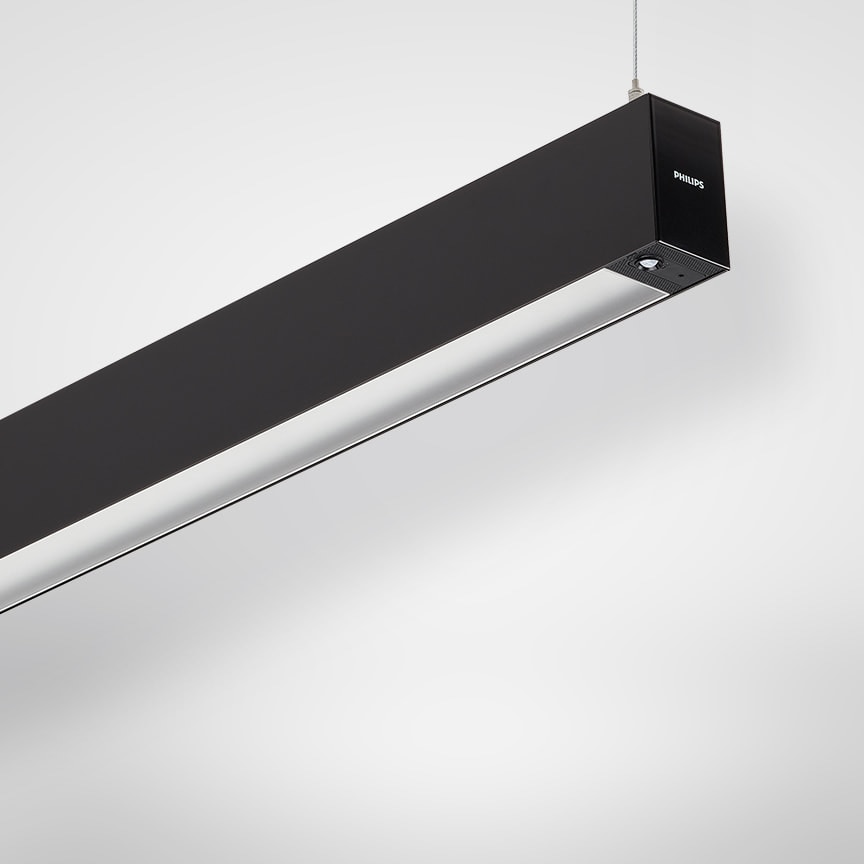
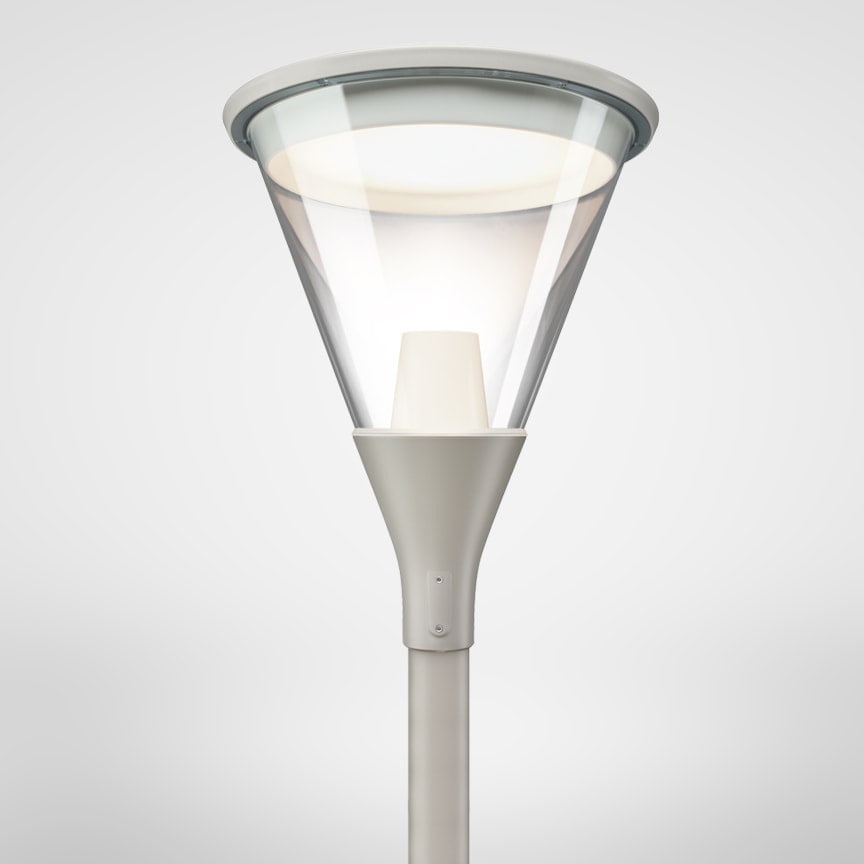
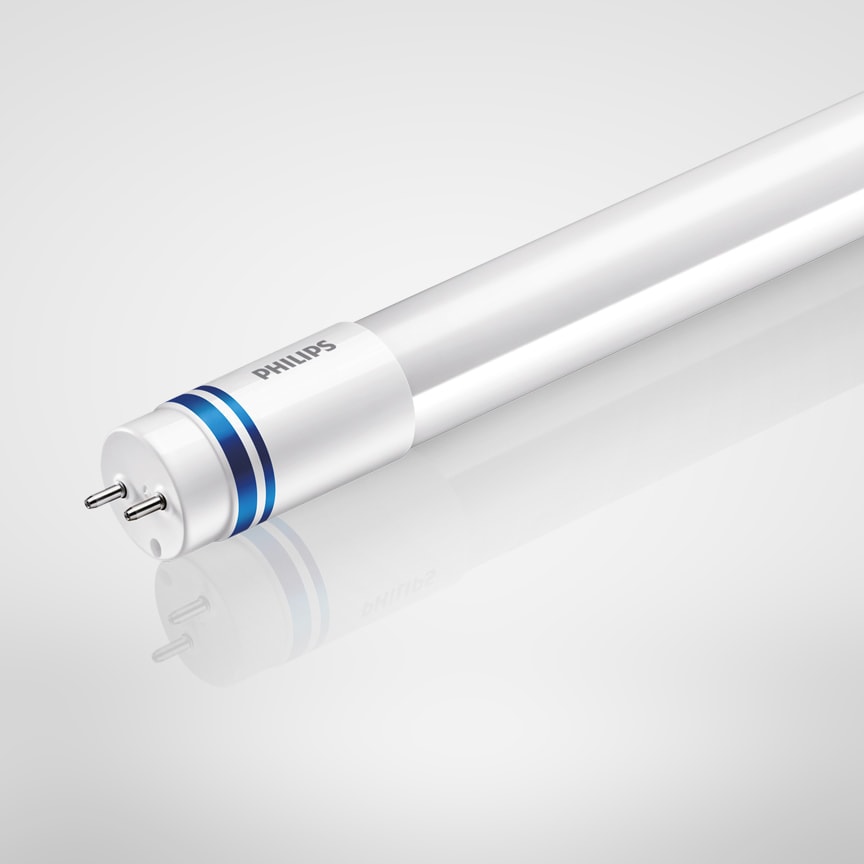
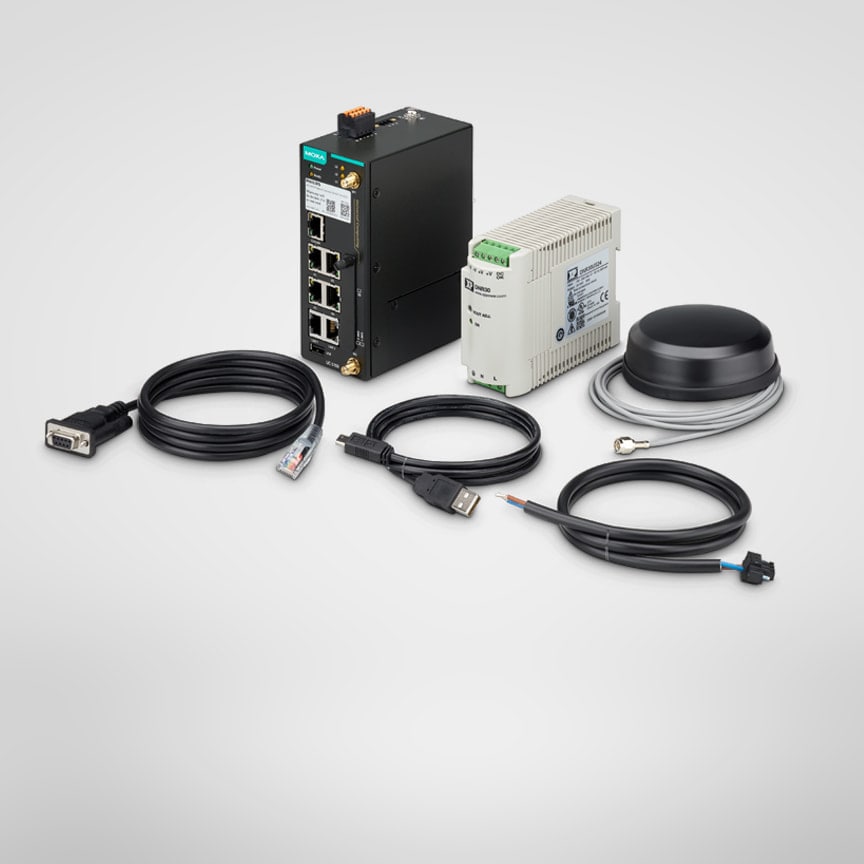
Browse by Systems
Discover our unique suite of cutting-edge connected lighting systems that allow to manage, monitor and optimize your lighting.

Lighting for your business, made easy
Our lighting services take care of your lighting, so you can focus on running your business – from Lighting Services that ensure the best light for your needs, to Lifecycle Services that extend the life of your investment, to Managed Services where we design, build, manage and operate your installation.


Frequently Asked Questions
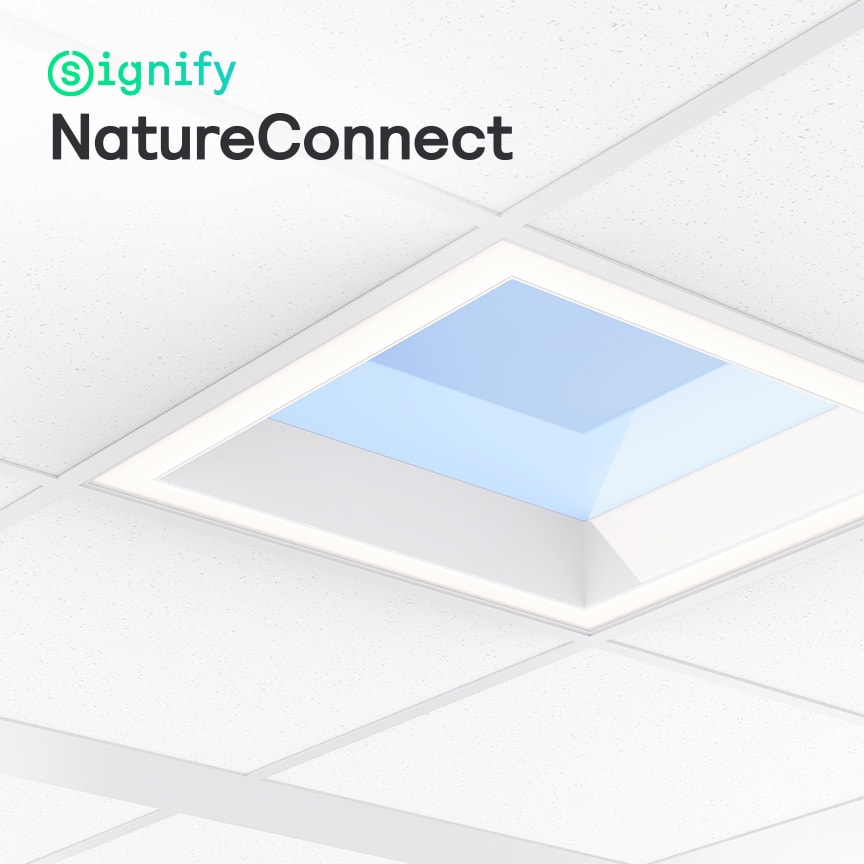
This is the Signify professional lighting catalogue. Signify is the manufacturer of a wide range of lighting products including Philips luminaires such as Philips CoreLine, Philips Ledinaire and Philips SmartBalance, as well as Philips LED tubes and lamps. You will find both Signify-branded solutions (Interact, Dynalite, NatureConnect) and Philips-branded lamps and luminaires in this catalogue. All products are manufactured and supported by Signify.
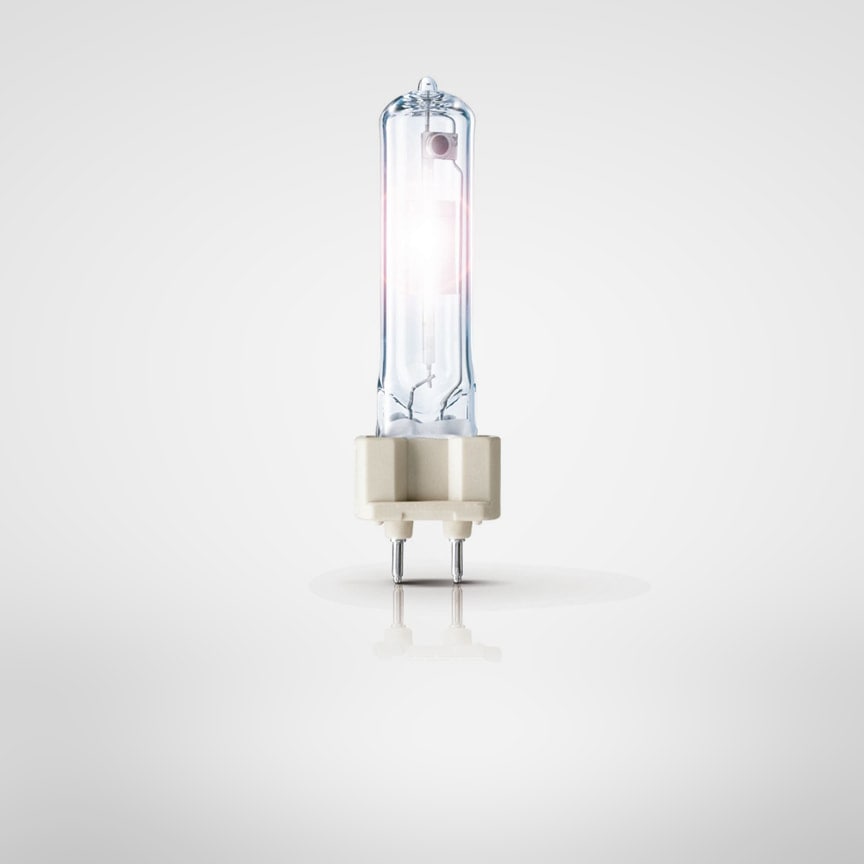
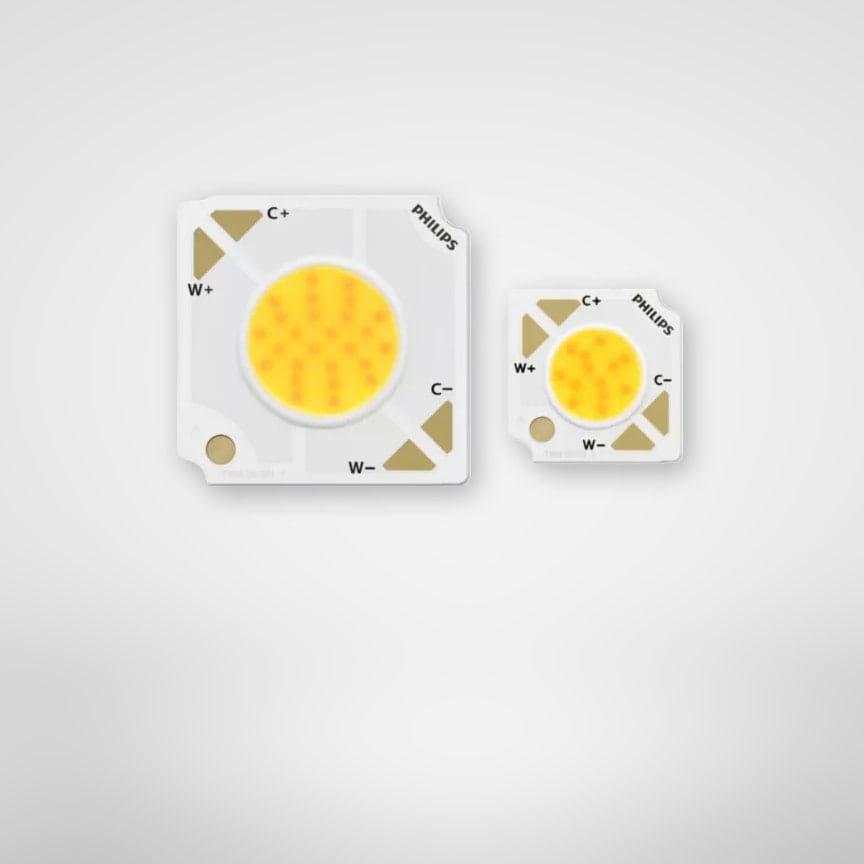
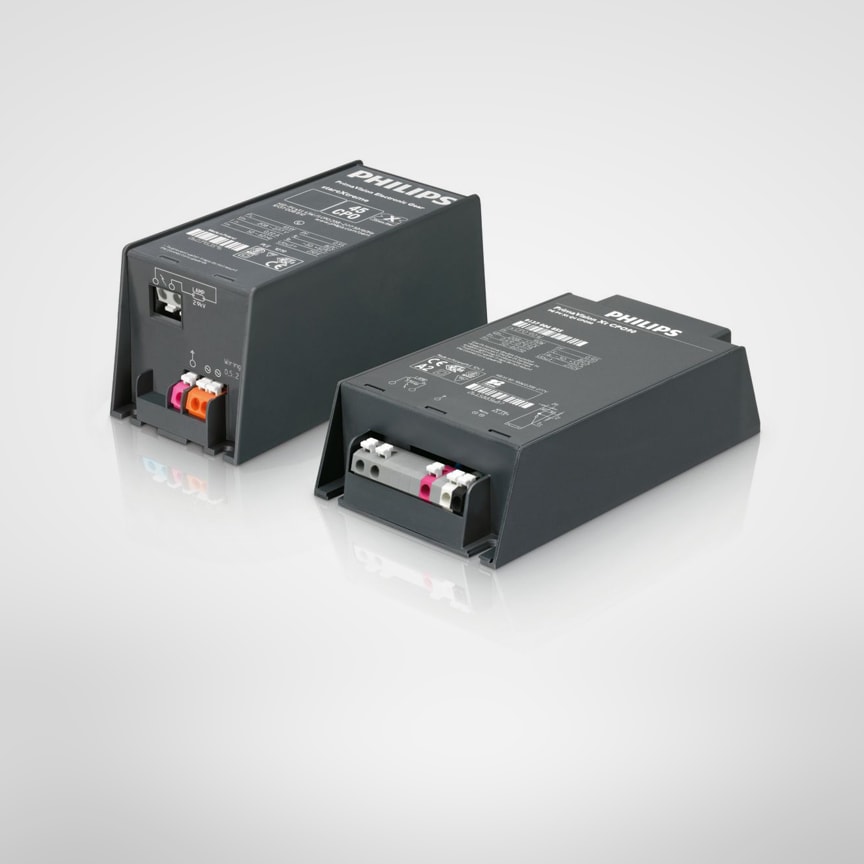
The professional catalogue is organised into seven main categories: (1) Indoor luminaires - including panels, downlights, trunking, waterproof and highbay; (2) Outdoor luminaires - including road & street, urban, solar and flood lighting; (3) LED lamps and modules - including retrofit tubes, spots and bulbs; (4) Lighting controls - including Dynalite, Interact and standalone controls (5) Conventional lamps - including Compact HID, HID and special lamps (6) LED electronics - including indoor and outdoor LED modules and drivers (7) Lighting electronics - for HID, Fluorescent and halogen.
Go to the Signify ecatalog and use the filters that are available on category and family level. The filters are available for applications (e.g. office, education, retail, healthcare, industrial, outdoor) and a wide range of product features such as lumen output, colour temperature, IP rating, controls (e.g. DALI, wireless, 1–10 V). Each product page lists an extensive list of or product features and technical documentation including photometric files. For families and products with a configuration wheel, the product choice can be further customized, based on key feature choices.
Technical documentation is published on product pages and includes: IES / ULD / ROLF / LDT photometric files (validated for DIALux evo, Relux, AGi32), Revit files, product datasheets (with electrical, photometric, mechanical specifications), Environmental Product Declarations (EPDs, EN 15804), installation guides and dimensional drawings. Navigate to the product page or completed configuration page, select the Downloads tab, and choose the relevant files.
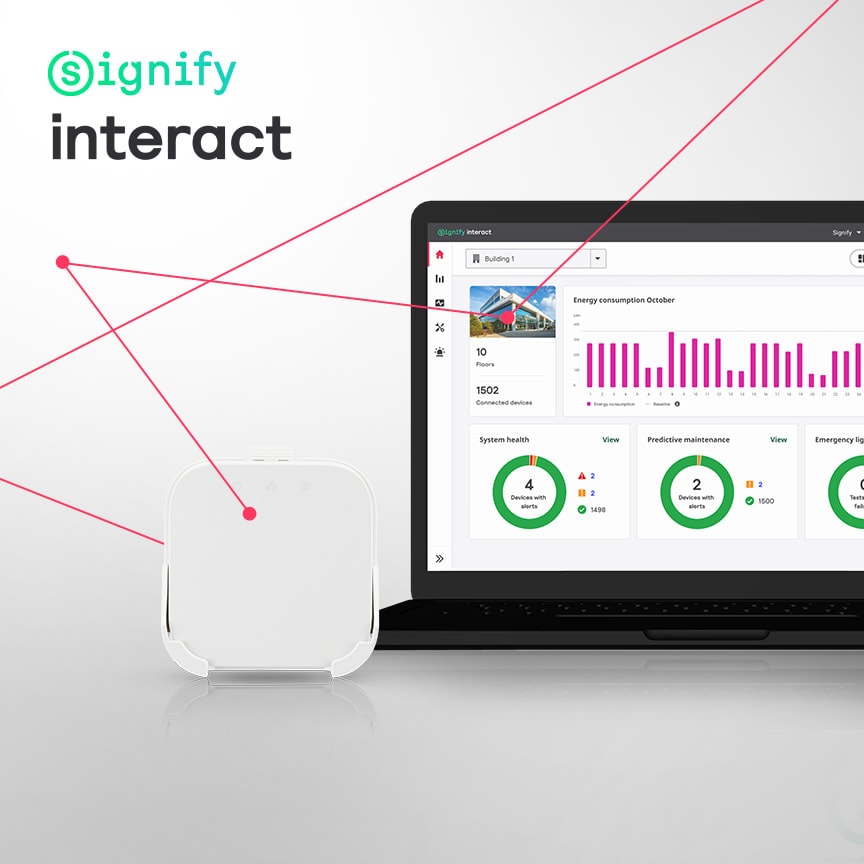
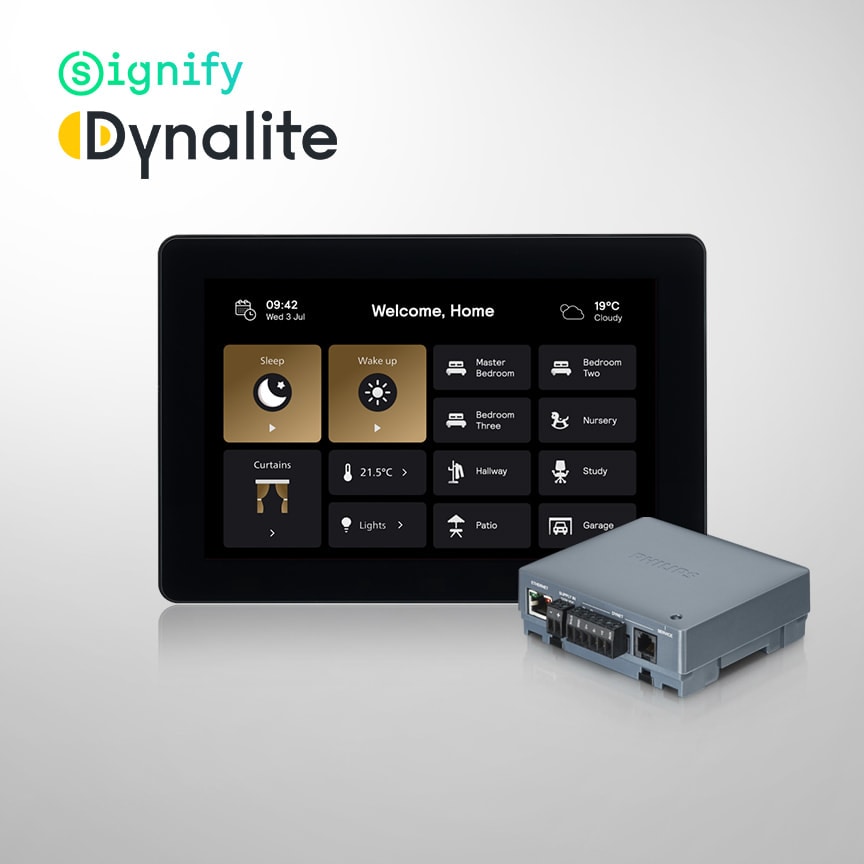
Interact for Intelligent Buildings is a connected lighting system that enhances buildings by offering quick and easy installation with luminaire-based sensing, wireless connectivity, app- and web interface control for energy efficiency and space insights. Dynalite is a versatile lighting and space control solution, enhancing buildings through direct control of lighting, HVAC and drapery. A variety of physical and digital user interfaces enhancing building ambiance, operational efficiency and sustainability.
Yes. IES (IESNA), LDT, ROLF and ULD photometric files are published on individual product pages and are validated for DIALux evo, DIALux 4, Relux, and AGi32. Navigate to the product page → Downloads tab → Photometric files. Files are available for all luminaire product families and configurable products.


