
Architectural lighting
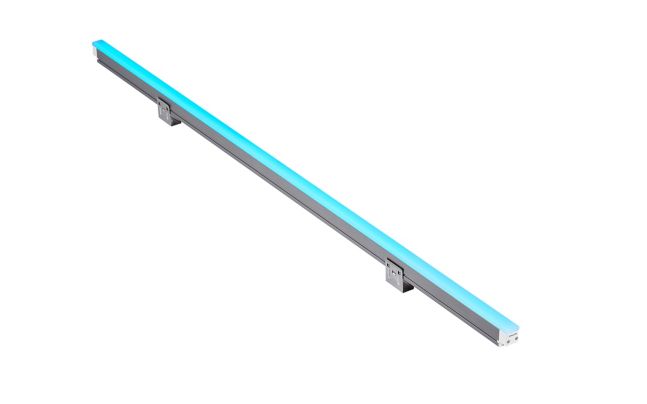
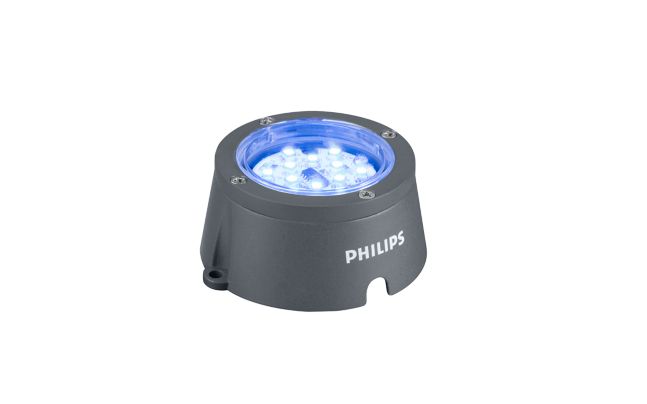
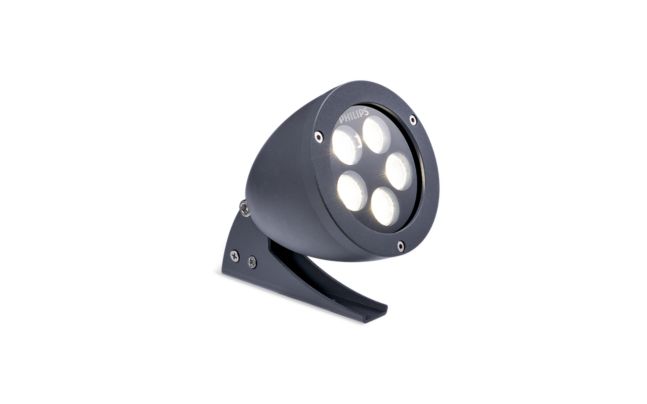
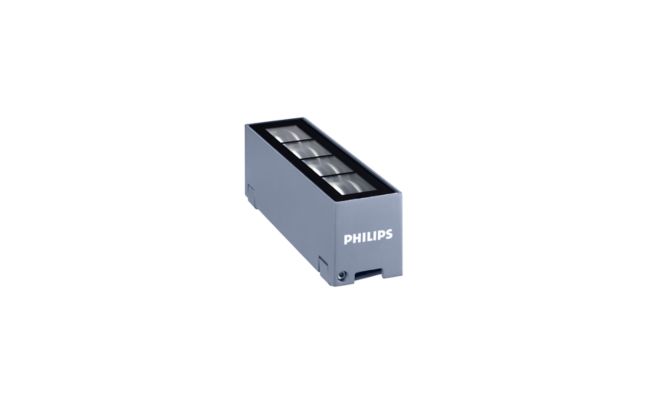
Discover our extensive range of stylish, energy-efficient architectural lighting products. Illuminate buildings create accent effects with our architectural LED solutions, including spot lights, in-ground lights, and surface-mounted LED strips.

FAQs
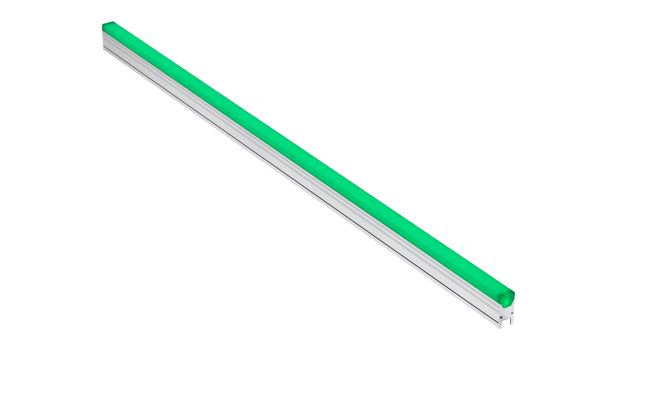
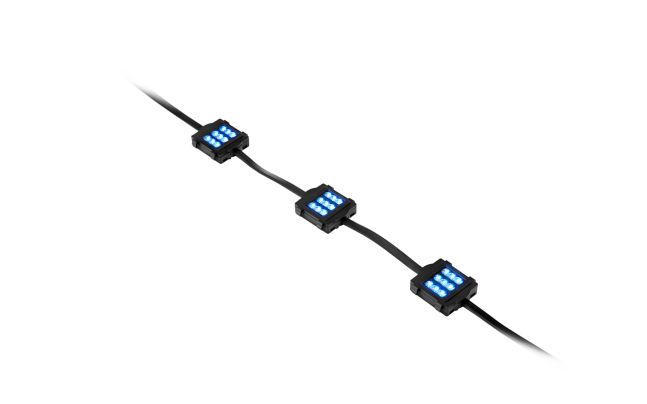
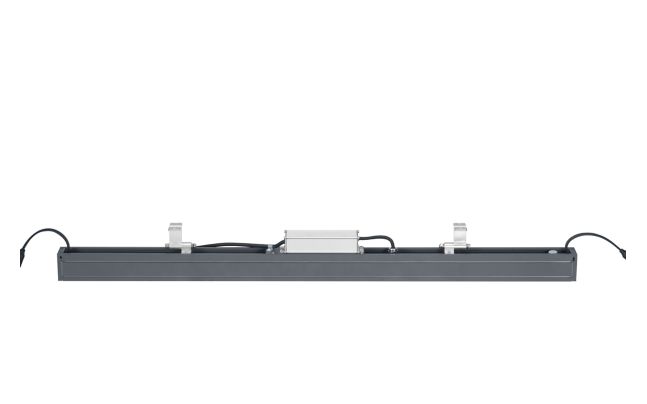
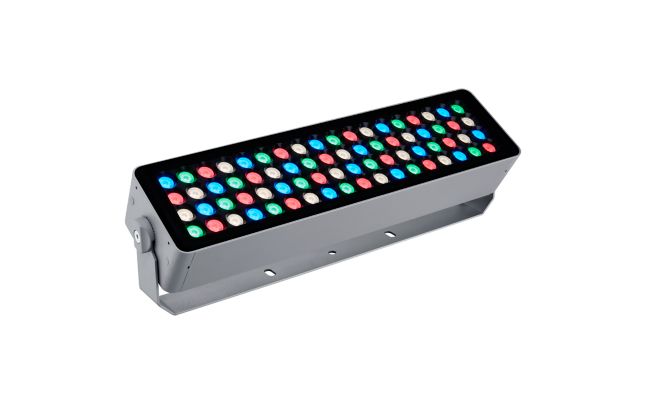
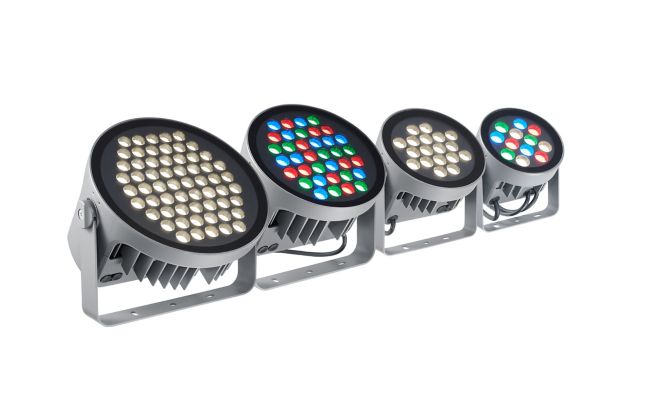
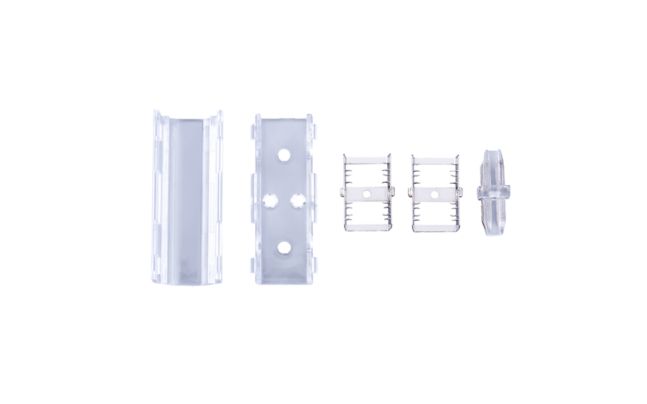
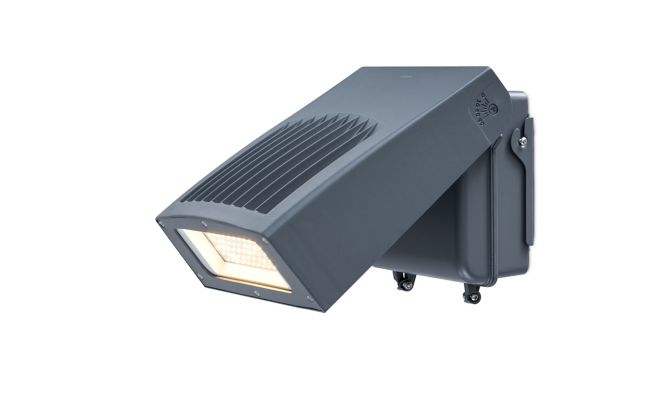
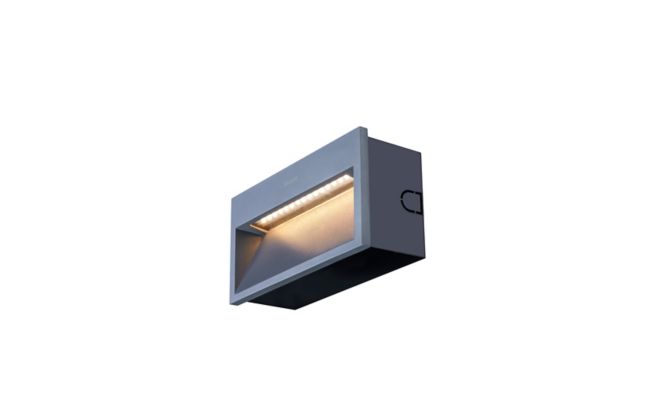
The range covers thirteen families designed for building and landscape illumination: UniDot G2, UniPoint, UniEdge, UniBar, UniString, UniStrip G4, UniFlood M G2, UniFlood C Pro, UNILinear Flex, Uni Wall Mount, Recessed, Uni Wall Sconce, and UniSpot. This spans compact point-source luminaires, linear grazing and washing fixtures, surface-mounted and recessed wall luminaires, and adjustable floodlights — providing a comprehensive toolkit for architectural lighting design.
Luminous flux across the range spans from 120 lm to 595 lm, with efficacy from 40 to 73 lm/W and wattage from 3 W to 10 W. CCT options cover 2700 K to 4000 K, supporting warm accent and neutral-white applications. CRI reaches up to 80 across the families. These figures span the full portfolio — individual family datasheets confirm the precise values applicable to each specific product.
Families on this page are available with IP66 ingress protection, rated as dust-tight and capable of withstanding powerful water jets — suitable for exposed exterior installations on facades, structures, and landscaped areas. Mechanical impact resistance is covered by IK06 and IK08 ratings depending on the family, providing resilience against accidental impact in accessible outdoor locations. Consult individual family pages for the specific ratings of each luminaire.
Selected families on this page are dimmable. For outdoor luminaires, DALI functions primarily as a driver-programming interface — used to set dimming curves and profiles — rather than a luminaire-network protocol. Scene-level and fleet-level control of exterior architectural installations is managed through Interact City or Interact for Outdoor Spaces, Signify's connected outdoor lighting platform. Verify the control options for each specific family on its individual product page.
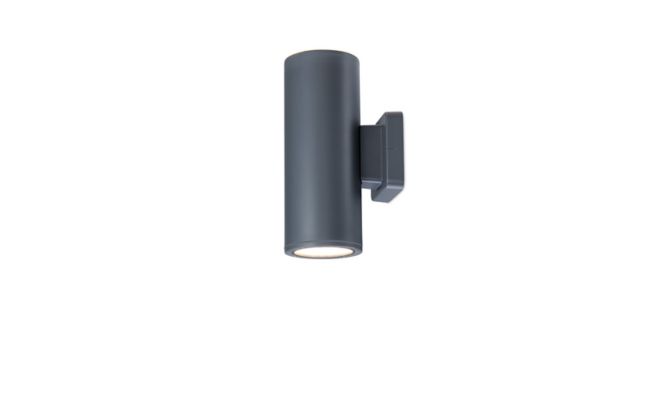
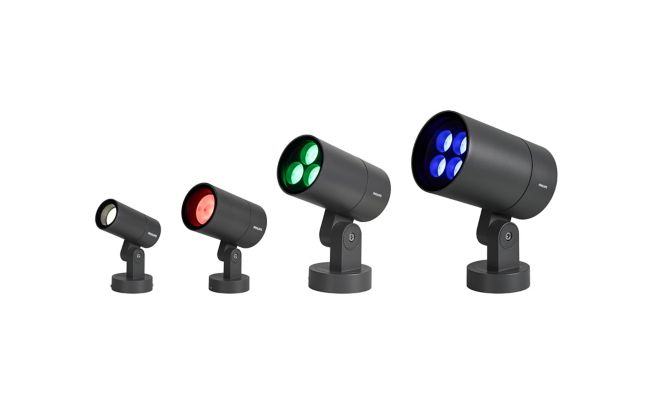
The choice is architectural and installation-driven. Linear families such as UniBar, UniStrip G4, UNILinear Flex, and UniEdge suit continuous grazing, cove lighting, and edge-accentuation of facades and structures. Point-source and adjustable families — UniFlood M G2, UniFlood C Pro, UniSpot, and UniPoint — deliver directional throw for feature lighting, monument illumination, and accent highlighting. Wall-mounted families (Uni Wall Mount, Uni Wall Sconce) integrate luminaires into the building fabric itself.
Datasheets, IES and LDT photometric files, and installation documentation are available on each family's individual product page on signify.com. Photometric files in IES and LDT format are essential for validating designs in DIALux or Relux before specification. Because the Online Product Configurator is not currently active for outdoor families, download resources should be accessed directly from the individual family product page rather than through a configurator workflow.
The families on this page carry a 3-year warranty based on available product data. Warranty terms can differ by country — verify the warranty period and conditions applicable in your market with the local Signify representative or authorised partner.
Architectural floodlighting families — such as UniFlood M G2 and UniFlood C Pro — are optimised for accent-quality optics, precise beam shaping, and aesthetic integration with building architecture. For high-lumen area coverage, recreational pitches, or applications requiring maintained horizontal illuminance over large zones, the sports and area floodlighting range is the appropriate starting point. The two categories can complement each other on mixed-use schemes.
Contact Signify or an authorised partner via the "Where to buy" pathway on signify.com. For project-scale architectural lighting specifications, engaging a Signify account manager or lighting application specialist early in the design process ensures the correct family and optical selection for the project intent. Authorised partners can also support with product availability, lead-time guidance, and application-specific photometric assistance for tendered schemes.
This is Signify's global product page. Country-specific regulations — such as the EU EcoDesign Directive, VDE/DIN requirements in Germany, and NF C 15-100 in France — vary by market and are not covered on this page. For regulatory and compliance information specific to your installation country, visit Signify's website for your region via the country selector, where the corresponding category page lists locally compliant variants and applicable standards.