


FAQs
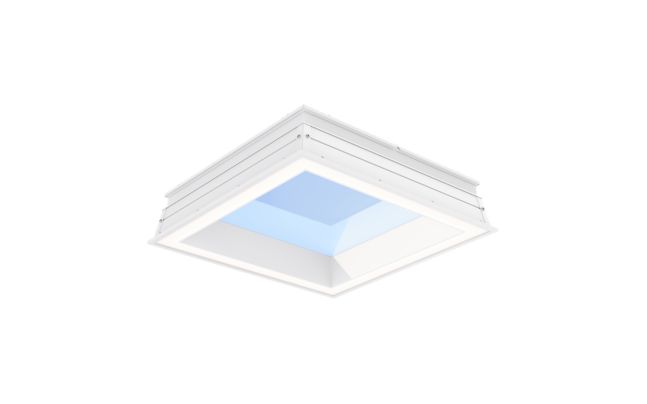
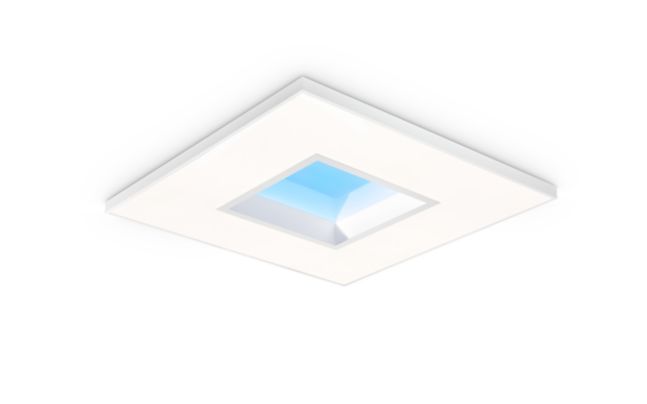
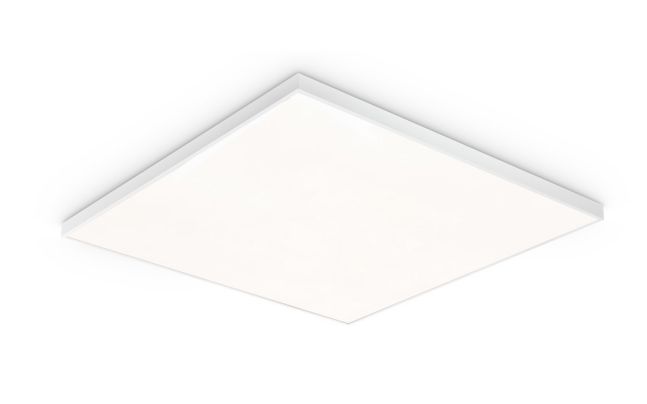
The Signify NatureConnect skylight is Signify's LED skylight family — a luminaire designed to replicate the visual effect of natural daylight from above, bringing the appearance of a skylight into spaces without roof access or structural openings. It is the sole family on this page and covers a range of wattages and lumen outputs suited to varying interior ceiling environments.
The NatureConnect skylight spans from 17 W to 410 W and enabling it to serve both smaller decorative ceiling applications and large-format installations requiring high light output. Efficacy reaches up to 166 lm/W across the range, supporting energy-efficient operation throughout its portfolio.
The NatureConnect skylight offers correlated colour temperatures from 2,700 K to 6,500 K, spanning warm white through cool daylight. This breadth allows specifiers to match the desired daylight simulation quality — warmer tones for relaxation-oriented environments and cooler, higher CCT settings for alertness-focused applications — within a single luminaire family.
CRI reaches up to 90 across the NatureConnect skylight range, supporting visually demanding environments where accurate colour rendering enhances the perceived naturalness of the simulated daylight effect. Specifiers should confirm the CRI value for the specific configuration required by consulting the product datasheet available on the Signify NatureConnect skylight family page.
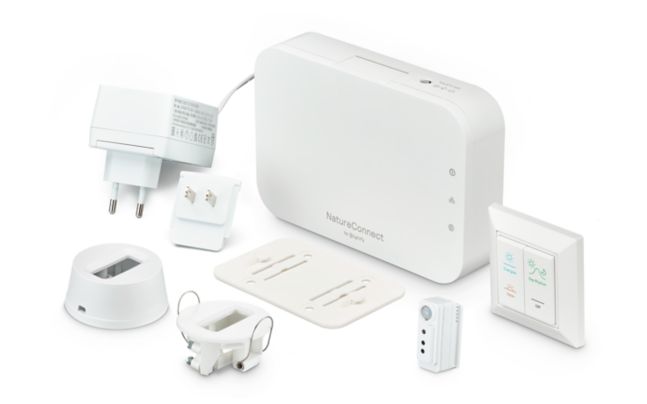
The NatureConnect skylight range includes both dimmable and non-dimmable variants. Dimmable configurations allow the light output to be adjusted to support scene-setting, occupancy-responsive control, or time-of-day tuning strategies. Specifiers selecting dimmable variants should confirm the compatible control interface from the product datasheet, as dimming input type varies by configuration within the family.
The NatureConnect skylight carries IP40 or IP44 ratings depending on the variant, providing wire-protected to splash-proof ingress protection. The family is rated IK02 for mechanical impact resistance. These ratings position the luminaire for standard indoor ceiling environments — specifiers should confirm the appropriate variant against the installation's environmental requirements before ordering.
Rated lifetime ranges from 50,000 to 100,000 hours with lumen maintenance to L70, depending on the variant specified. The family carries a 3-year warranty. Warranty terms can differ by country — verify the warranty period and conditions applicable in your market with the local Signify representative or authorised partner.
The NatureConnect skylight does not have an Online Product Configurator (OPC). Datasheets, IES/LDT photometric files, and BIM/Revit objects are available directly from the Signify NatureConnect skylight family page on signify.com. Specifiers requiring project-specific documentation should download files from that page or contact Signify or an authorised partner for assistance.
The NatureConnect skylight is available through Signify's authorised partner network. To request a quotation, identify compatible variants via the product datasheet, then contact a local Signify representative or authorised dealer via the "Where to buy" function on signify.com. For specification-grade projects, engaging Signify's lighting application team early ensures the correct variant and configuration are selected for the ceiling environment.
This is Signify's global product page. Country-specific regulations — such as the EU EcoDesign Directive, EN 60598 Part 1 general safety requirements, and applicable national electrical installation standards — vary by market and are not covered here. For regulatory and compliance information specific to your installation, use the country selector to reach your local Signify website, where the corresponding category page lists locally compliant variants and applicable standards.