
As OEM customers are looking for more flexibility and diversity in their lighting solutions, customisation is key. With MultiOne you have a range of intuitive tools that makes configuring LED drivers quick and simple. It works by accessing the features that are already built into our drivers and sensors, so you can quickly adjust the parameters and make last-minute changes to suit different requirements.


Configuring devices has never been easier
The MultiOne tools family
Our range of MultiOne tools are designed to provide the right support at every stage in the production process – from installation to maintenance. Each tool has specific functions that will bring maximum benefit for each specific production stage. Check out the table below to see which tool is the most appropriate for your needs.

MultiOne Cloud
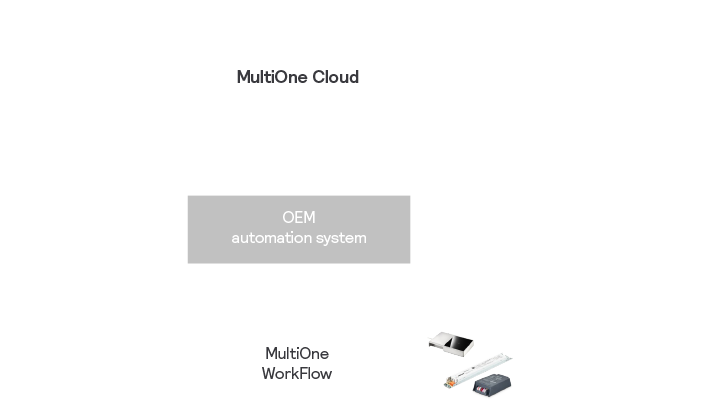
MultiOne Cloud enables an easy and direct coupling between your automation system and the MultiOne software. With this flexible solution you can automate your entire production process. This reduces the need to enter information manually, thereby eliminating the risk of incorrect data. The platform is self-updating, making it completely transparent with up-to-date information. MultiOne Cloud is also fully compatible with other MultiOne tools and therefore no changes are needed in production.
Hardware solutions


General documents
To make customising your devices simple and fast, we have a range of documents, starter guides and manuals.

MultiOne Engineering 3.37
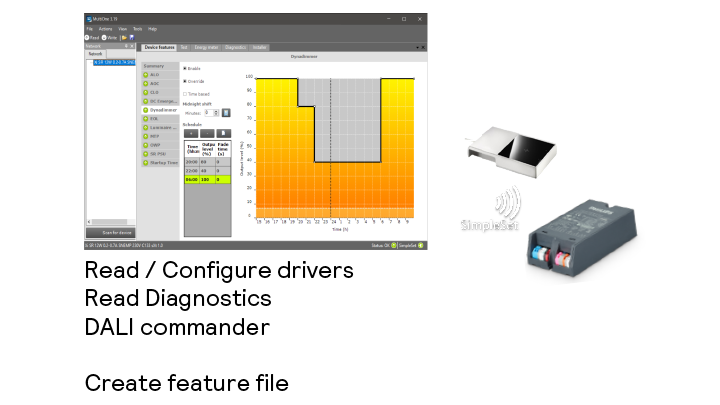
This tool is intended to be used by the Engineer, Quality and pre-production of an OEM. For the Engineer, MultiOne offers the possibility to read/write all features in a device.

MultiOne Workflow 3.37
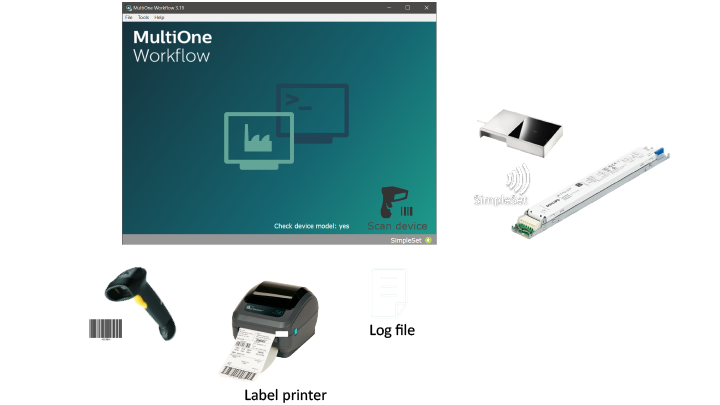
In the factory of the OEM, this tool can be used to download the prepared feature files in a driver or sensor.

MultiOne Cloud
MultiOne Cloud enables an easy and direct coupling between your automation system and the MultiOne software.

MultiOne Web
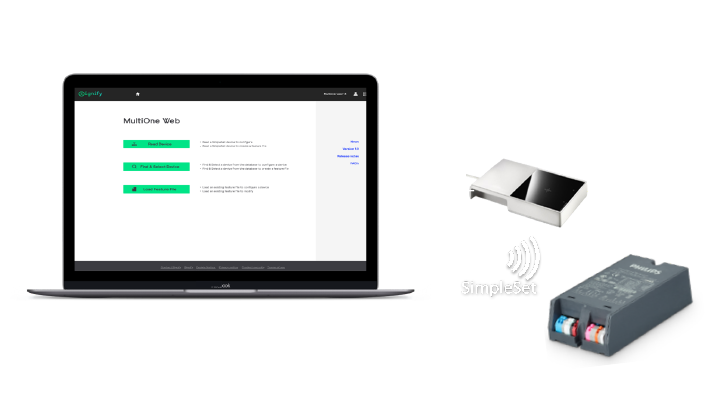
MultiOne Web is an online application that provides access to the global driver database and allows an easy configuration process.

MultiOne Mobile
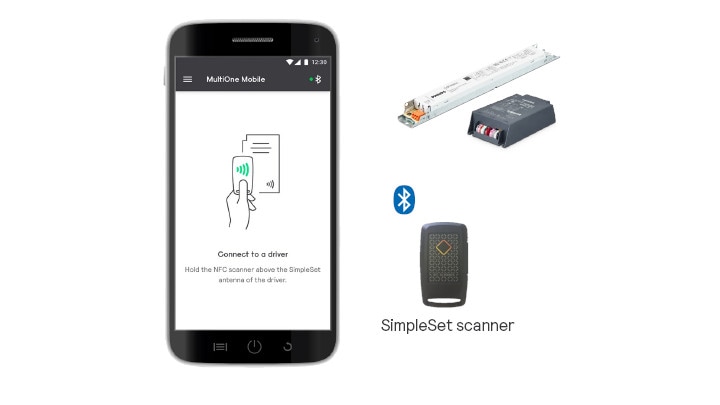
Your mobile is your new configuration tool. Finetune luminaires’ settings in the field via NFC with this new Signify tool.
