


With Signify MasterConnect, connected lighting becomes effortless. Our wireless system is simple to install, easy to scale, and flexible across all indoor applications. It helps you save energy, reduce complexity, and unlock new possibilities with one standardised platform. From stand-alone setups to cloud-connected systems, MasterConnect adapts to your need.
Ready for connected lighting that works for you?

Simple
Wireless luminaires, no gateway required, and intuitive app-based setup make installations fast and hassle-free.

Scalable
Start with a wireless setup and scale anytime. Add a gateway to unlock cloud features - without rewiring, component changes, or disruption.

Standardised
Whether stand-alone or cloud-connected, build any system using the same components - based on trusted open standards for maximum compatibility.

Sustainable
MasterConnect with LED lighting delivers significant energy savings - up to 40% vs non-controlled LEDs and up to 75% vs conventional lighting.

Big news in small form
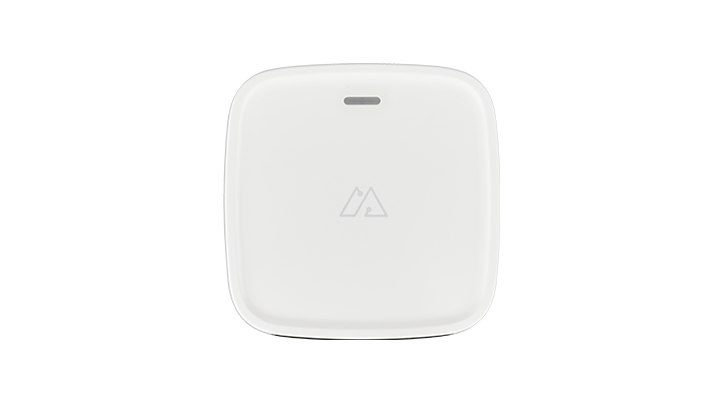
The new Signify MasterConnect gateway integrates seamlessly into your system - adding powerful new features with minimal effort.
- More application options and system flexibility
- Automated energy reports at project, group, and zone level
- Automated emergency lighting test reports to help maintain compliance – with monthly test result overviews and intermediate failure reports
- Peripheral mode for plug-and-play adding or removing, without disruption
- Full setup and configuration in the MasterConnect app - no extra tools needed

Scale it your way
The MasterConnect portfolio lets you build the system you need today - and grow it as your requirements evolve.
Three scalable tiers make it easy to start simple or jump straight to advanced control.
- Room-based control: a quick, stand-alone wireless setup to get started effortlessly.
- Sensor-based control: automated sensing and granular dimming - still stand-alone.
- Gateway solution: full IoT capabilities with a gateway for cloud features and advanced insights.
No redesign, no rewiring - scalability that works for you.

Set up faster. Control smarter.
The MasterConnect app makes setup and configuration quick and intuitive - no tools, training, or complex interfaces required.
- Add devices, set automation, and manage settings
- Speed up commissioning with the built-in flashlight identification feature
- Configure entire buildings in hours, not days
- The end-user Control App enables simple dimming, switching, and scene selection



Seamless connectivity for every indoor space
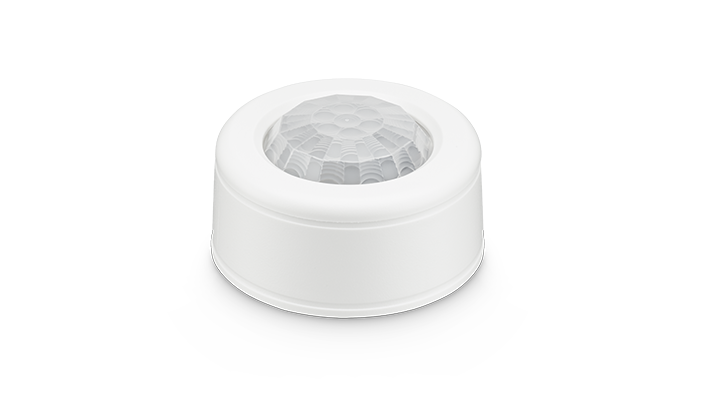
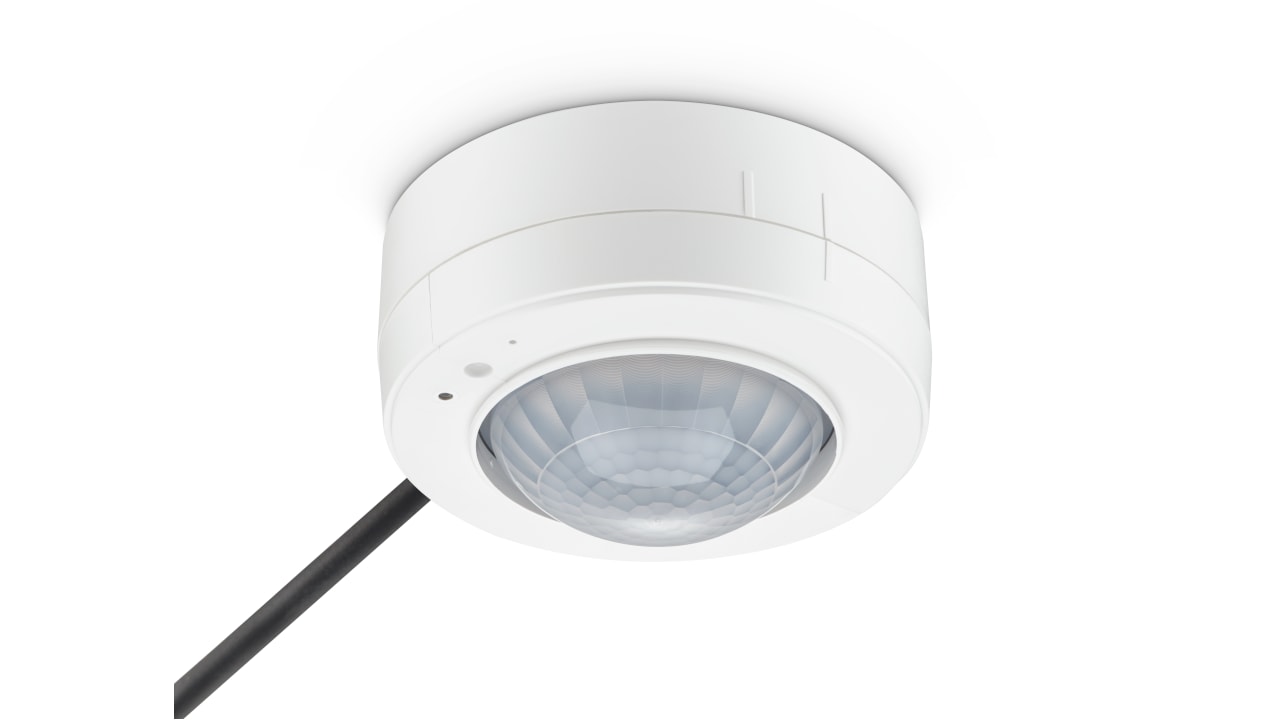
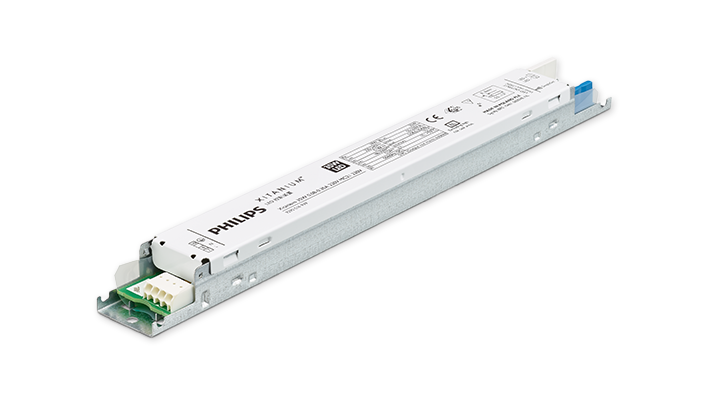
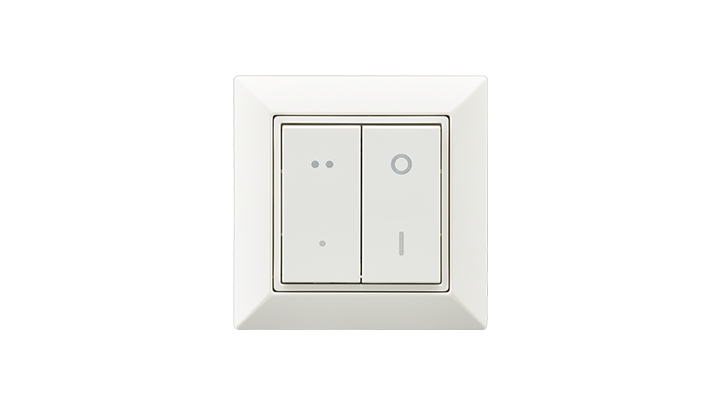
MasterConnect supports offices, retail, industry, and more. All components are configured in the app for smooth interoperability between luminaires, drivers, sensors, switches, and gateways. With every product release, more spaces benefit from simple, scalable connected lighting.

Connected lighting that works for the planet
Connected lighting with MasterConnect reduces energy consumption and carbon footprint through smart automation. Since most emissions occur during operation, every optimised hour counts. With sensors and modern LED technology, lights run only when needed - helping meet energy-efficiency targets and cut waste.
The MasterConnect portfolio
Do you have any questions or inquiries about Signify MasterConnect?
How can we support you?
You have a technical question?
You want to delete your account?
Looking for the manual?